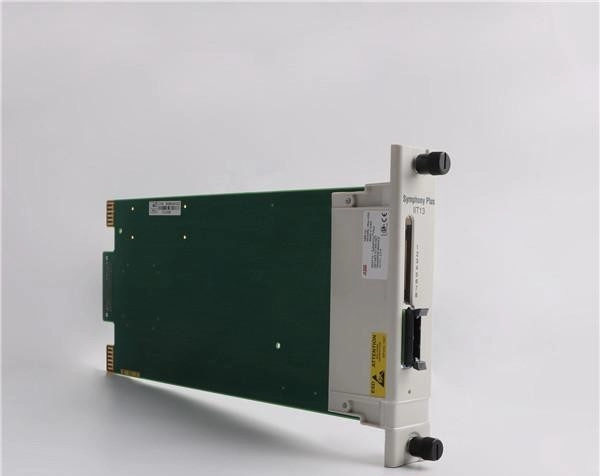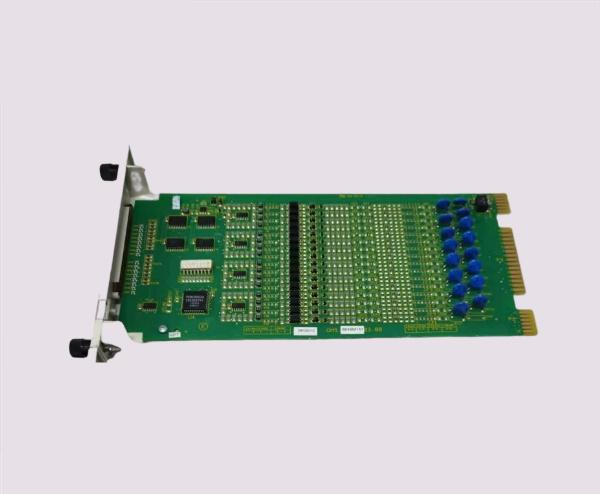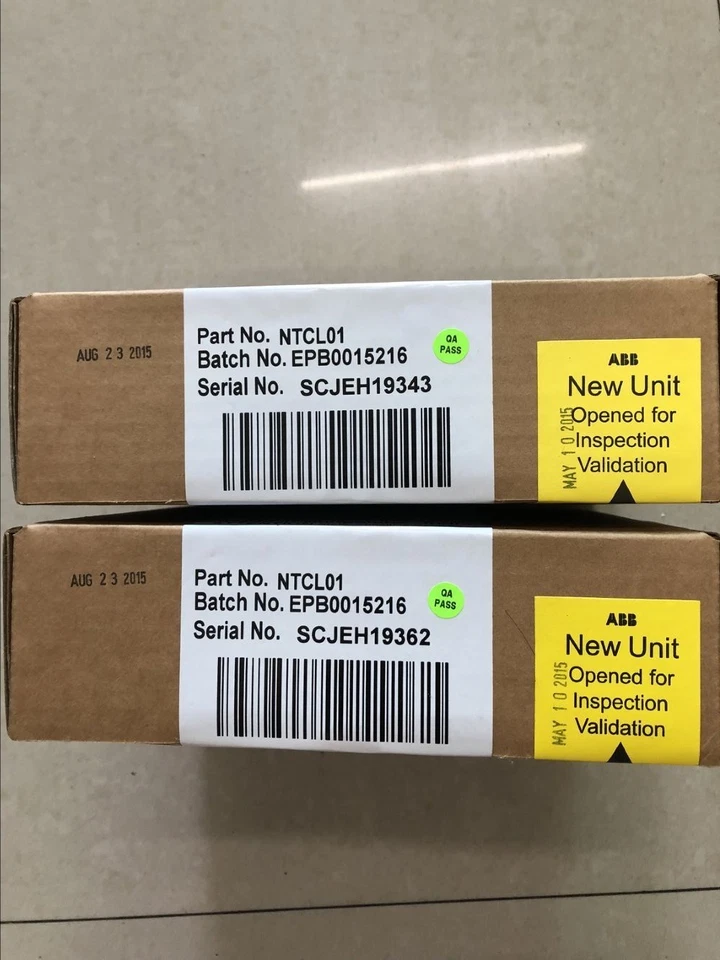
ABB NTCL01 Module Installation Video and Visual Tutorial
The ABB NTCL01 module is a key component in industrial automation, widely used for digital communication and I/O signal management. Proper installation is critical to ensure reliable operation, optimal communication, and seamless integration with ABB distributed control systems (DCS). This blog provides a detailed video and visual tutorial guide for NTCL01 module installation, designed for engineers, technicians, and automation professionals.
Overview of the NTCL01 Module
The NTCL01 module acts as a bridge between field devices and central control systems, supporting deterministic communication and high-speed signal processing. Core features include:
-
Digital input/output management
-
Compatibility with INFI-NET and Ethernet networks
-
Real-time data transmission and monitoring
-
Fault detection and redundancy support
Correct installation is essential for ensuring signal accuracy, operational safety, and system reliability.
Preparing for Installation
Step 1: Gather Required Tools and Equipment
Before starting the installation, ensure the following items are available:
-
NTCL01 module
-
Compatible ABB rack or chassis
-
Network cables (shielded recommended)
-
Screwdrivers and mounting tools
-
Safety gloves and protective equipment
Proper preparation minimizes installation errors and ensures a smooth setup process.
Step 2: Review Safety Guidelines
-
Disconnect power from the system before installation
-
Verify grounding and shielding for network cables
-
Follow ABB safety standards to avoid damage or hazards
Safety compliance is critical for both personnel and equipment protection.
Installation Process
Step 1: Mount the Module
-
Insert the NTCL01 module into the designated slot in the rack or chassis
-
Ensure it is securely seated with correct alignment
-
Tighten mounting screws to prevent vibration or displacement
Step 2: Connect Network and Field Devices
-
Connect INFI-NET or Ethernet communication cables
-
Attach field device input/output connections
-
Verify connectors are firmly inserted and properly seated
Step 3: Power Up and Initial Check
-
Restore system power
-
Observe LED indicators for normal status
-
Verify module recognition in the ABB DCS software
Step 4: Verify Communication
-
Open configuration interface (Control Builder or 800xA Tools)
-
Check network status, communication speed, and address settings
-
Confirm all input/output channels are active and correctly mapped
Video and Visual Guide Benefits
A video tutorial provides real-time demonstrations of proper installation steps, including:
-
Correct mounting techniques
-
Cable connection and management
-
Module status verification
-
Initial configuration overview
Visual aids and screenshots improve comprehension, reduce installation errors, and support faster learning for technicians unfamiliar with NTCL01 modules.
Troubleshooting Common Installation Issues
-
LED indicators not lit: Check power supply and connections
-
Network communication failure: Verify address, protocol, and cable integrity
-
Input/output channels inactive: Confirm channel activation and wiring correctness
Using the video and visual tutorial as a reference allows technicians to quickly identify and resolve issues.
Best Practices for Successful Installation
-
Always follow ABB installation manuals and safety protocols.
-
Use proper grounding and shielding to minimize electromagnetic interference.
-
Label all cables and connections for future maintenance.
-
Perform functional testing of all input/output channels after installation.
-
Keep a digital copy of configuration settings and network layout for reference.
Conclusion
The ABB NTCL01 module is an essential component for digital automation and industrial process control. Proper installation using video and visual tutorials ensures accuracy, reduces errors, and guarantees reliable communication with field devices and control systems. By following step-by-step procedures, reviewing LED indicators, and verifying network settings, engineers can achieve a smooth, efficient, and safe setup for optimal industrial automation performance.
Investing time in proper installation not only improves reliability and process efficiency but also extends the operational life of the NTCL01 module, ensuring it delivers consistent, high-quality performance in demanding industrial environments.